
Private photo vault for iPhone
The vault you
never lose.
Photos, videos and notes, encrypted on your iPhone and opened with a pattern you draw. Get a new phone and the vault comes with you.
Free to start. No account.
Your pattern is the key.
Set a pattern on a 5×5 grid, or use a passcode or password. Face ID is optional.
Only your pattern opens it.
Each pattern opens its own vault. The lock screen never lists them, so nobody sees how many you have.
Everything inside stays yours.
Photos, videos and notes, encrypted with AES-256-GCM before anything is stored. No account. Nothing collected.
- AES-256-GCM on the phone
- No account
- Backup to your own iCloud
- 12-word recovery phrase
- Export is always free
- No data collected
- Separate vaults, one pattern each
Inside the vault
Quiet on the outside. Organized inside.
Albums, videos, notes and search, all behind your pattern. Screenshots of the app come out black, and shared photos leave without GPS or camera details.
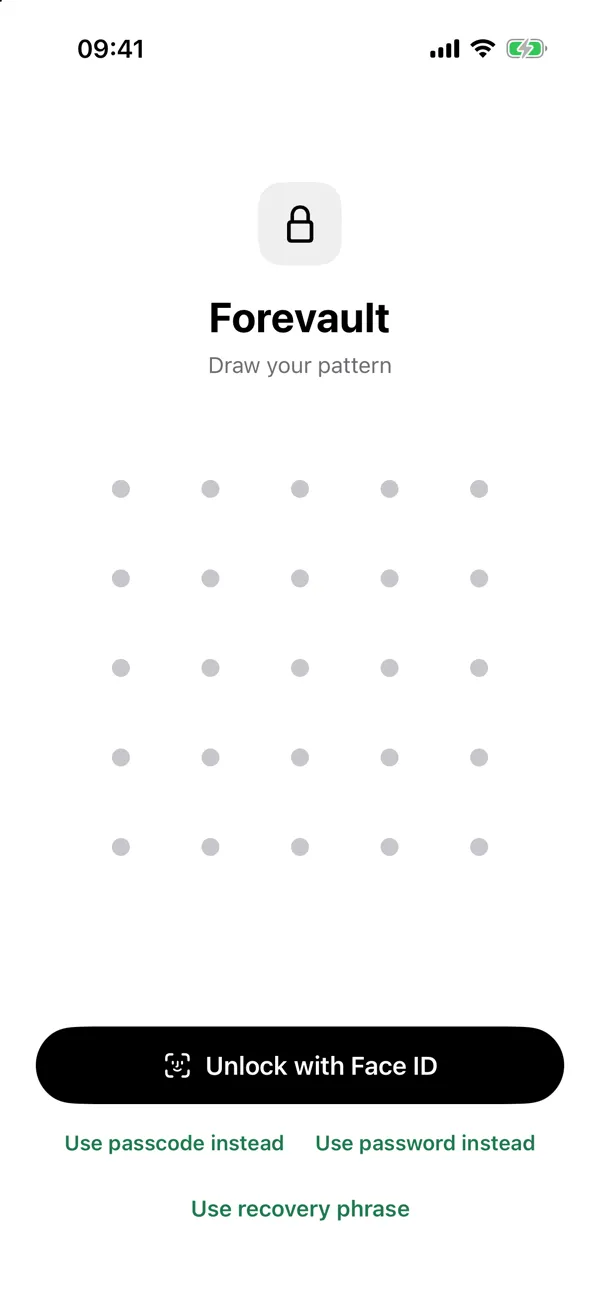
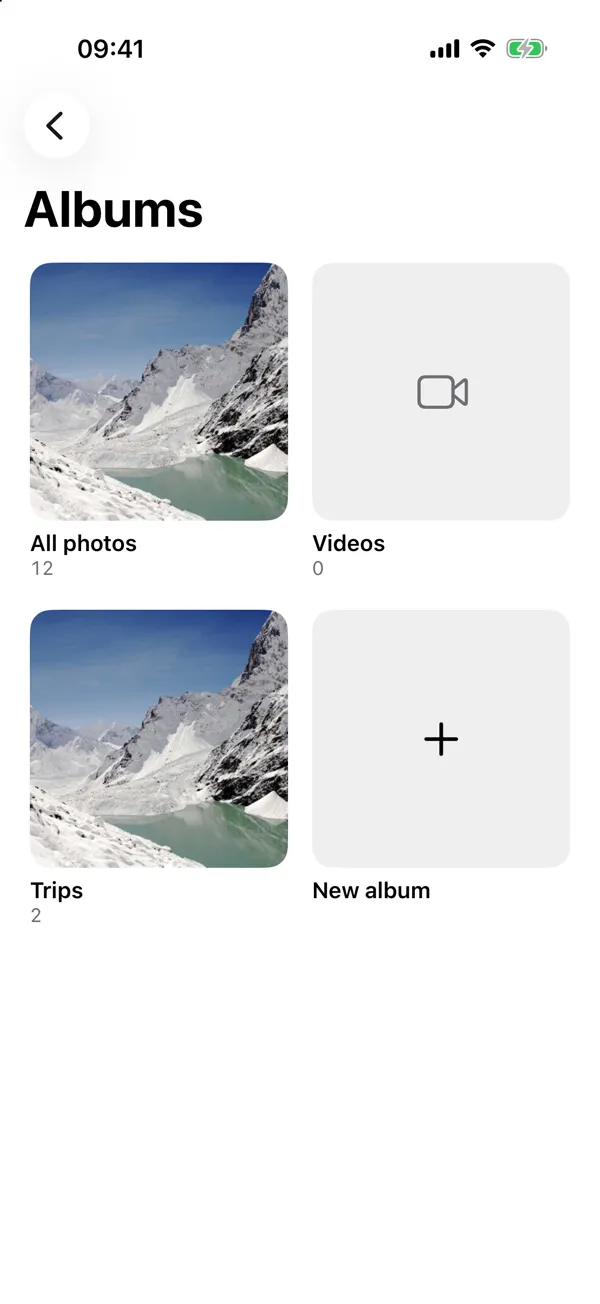
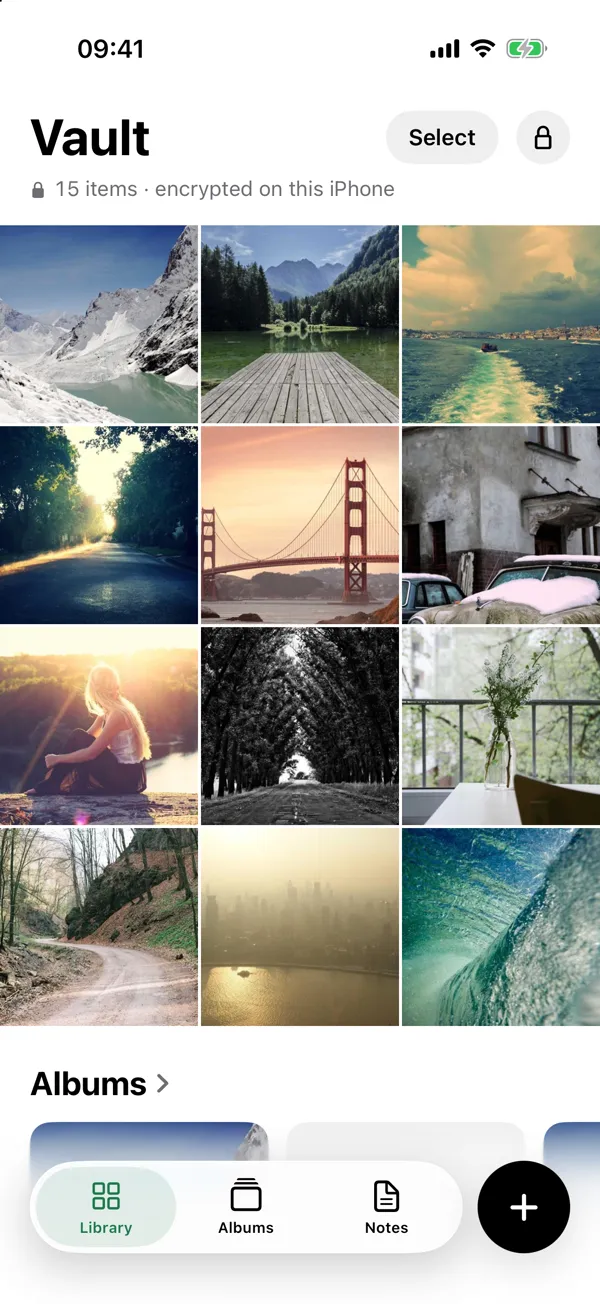
Real screenshots from the app.
Recovery phrase
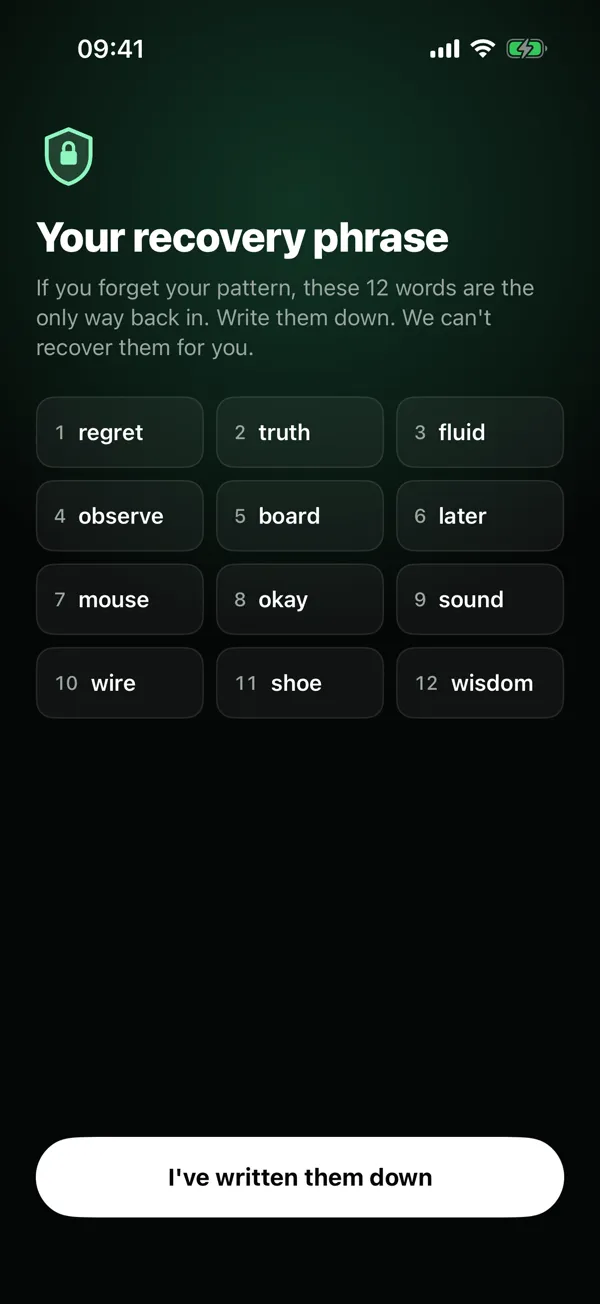
Forgot your pattern? 12 words get you back in.
When you create a vault, Forevault shows you 12 words once. Write them down. They open the vault on any iPhone, even if the pattern is gone. We never see them, so we can't show them again.

New iPhone
Switch iPhones without losing a photo.
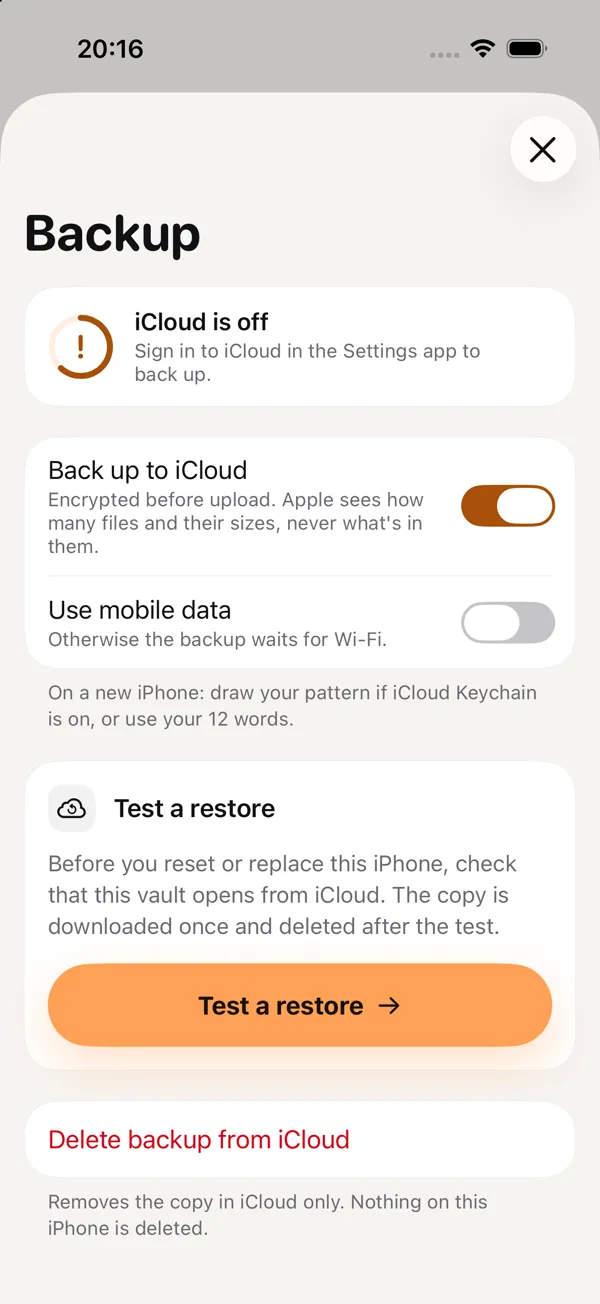
Turn on backup and Forevault encrypts each file before it leaves the phone. It lands in your own iCloud. Apple sees how many files there are and their sizes, never what's in them.
- →Test a restore before you reset or trade in your phone.
- →On the new iPhone, draw your pattern or use your 12 words.
- →Prefer files? Export to Photos or Files is always free.
The Hidden album and a vault app solve different problems.
| Feature | iPhone Hidden album | Forevault |
|---|---|---|
| Opens with | Face ID, Touch ID or your device passcode | A pattern on a 5×5 grid, or a passcode or password. Face ID optional. |
| Where photos live | Still in your Photos library, out of view | In Forevault's own encrypted storage |
| iCloud Photos | Hidden photos stay hidden on your other devices too | Not part of iCloud Photos. Optional encrypted backup to your own iCloud. |
| Private spaces | One album | Up to 3 vaults free, each with its own pattern |
| If you lose the lock | Tied to your device passcode | 12-word recovery phrase |
Hidden album details from Apple Support: Hide photos with the Hidden album. Longer read: Is the iPhone Hidden album private?
What it protects against, and what it doesn't.
Protects against
Someone who picks up your phone. Without your pattern, passcode or password the vault stays shut.
Counting your vaults. The lock screen never shows how many exist.
Us. We never receive your pattern or phrase, and there is no account to breach.
Doesn't cover
Forensic analysis of a phone by a well-resourced lab.
Losing both the pattern and the 12 words. Then nobody can open the vault, including us.
Copies you leave behind in Photos or Recently Deleted.
Start free. Upgrade when it fills up.
Prices in USD. The App Store shows your local price.
Free
$0
Up to 3 vaults. 100 photos and 10 videos in each. Backup and export included.
Pro Yearly 7 days free
$19.99 /year
Unlimited vaults, photos and videos. Alternate app icons.
Pro Lifetime
$39.99 once
Everything in Pro, paid once.
Questions
What if I forget my pattern?
Use the 12-word recovery phrase you were shown during setup. Without the pattern or the phrase, nobody can open the vault, including us.
How is this different from the iPhone Hidden album?
The Hidden album opens with your device passcode and keeps the photos in your Photos library, and with iCloud Photos the hidden state follows you to your other devices. Forevault keeps files in its own encrypted storage behind a pattern you draw.
What happens when I get a new iPhone?
Restore from your encrypted iCloud backup on the new phone. Use Test a restore beforehand to confirm it works.
Can I get my files out?
Yes. Export to Photos or Files whenever you like. Export is always free.
Do you collect my data?
No. There is no account and no data collected.
What does it cost?
Forevault is free for up to 3 vaults with 100 photos and 10 videos each. Pro removes the limits for $19.99 a year with a 7-day free trial, or $39.99 once. The App Store shows the price in your currency.